You've been there. A potential customer chats with your support widget at 11pm, asks all the right questions, seems genuinely interested — and then disappears. The next morning you find the conversation buried in a chat log somewhere, no lead record created, no follow-up triggered, no deal in your pipeline. Just a missed opportunity sitting in digital limbo.
This is the quiet revenue leak that CRM integration with AI customer support is designed to fix.
Why CRM + AI Chat Is the Combination SMBs Actually Need
For small and medium businesses in the US, UK, and Australia, CRM tools like HubSpot, Salesforce, and Zoho have become essential. But they only work when data actually gets into them — and that's where most teams fall short.
Manual data entry is slow, inconsistent, and frankly, nobody does it properly at scale. A customer chats, your agent forgets to log it, or logs it three days later with half the context missing. Your pipeline becomes unreliable. Your follow-ups are late. Your sales team is flying blind.
The fix isn't more discipline. It's automation at the source.
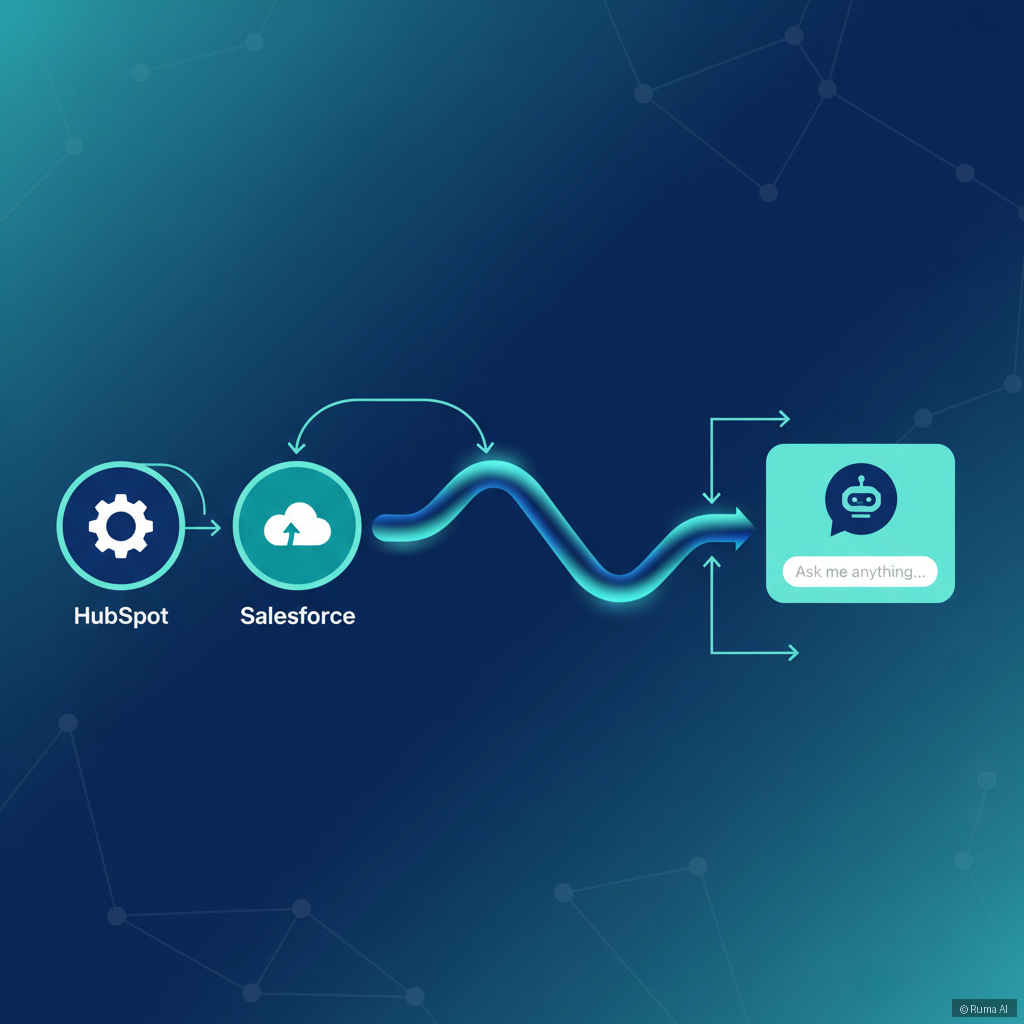
Agentic AI — where the AI doesn't just respond but actively takes action — changes this equation entirely. Instead of waiting for a human to create a CRM record, the AI does it automatically, in real time, with full conversation context attached.
What "Agentic AI" Actually Means for Lead Capture
Most chatbots are reactive. They answer questions and stop there.
Agentic AI is different. It autonomously decides which tools to use during a conversation — and one of those tools is saving leads directly to your CRM.
Here's what that looks like in practice:
No manual entry. No missed records. No lag.
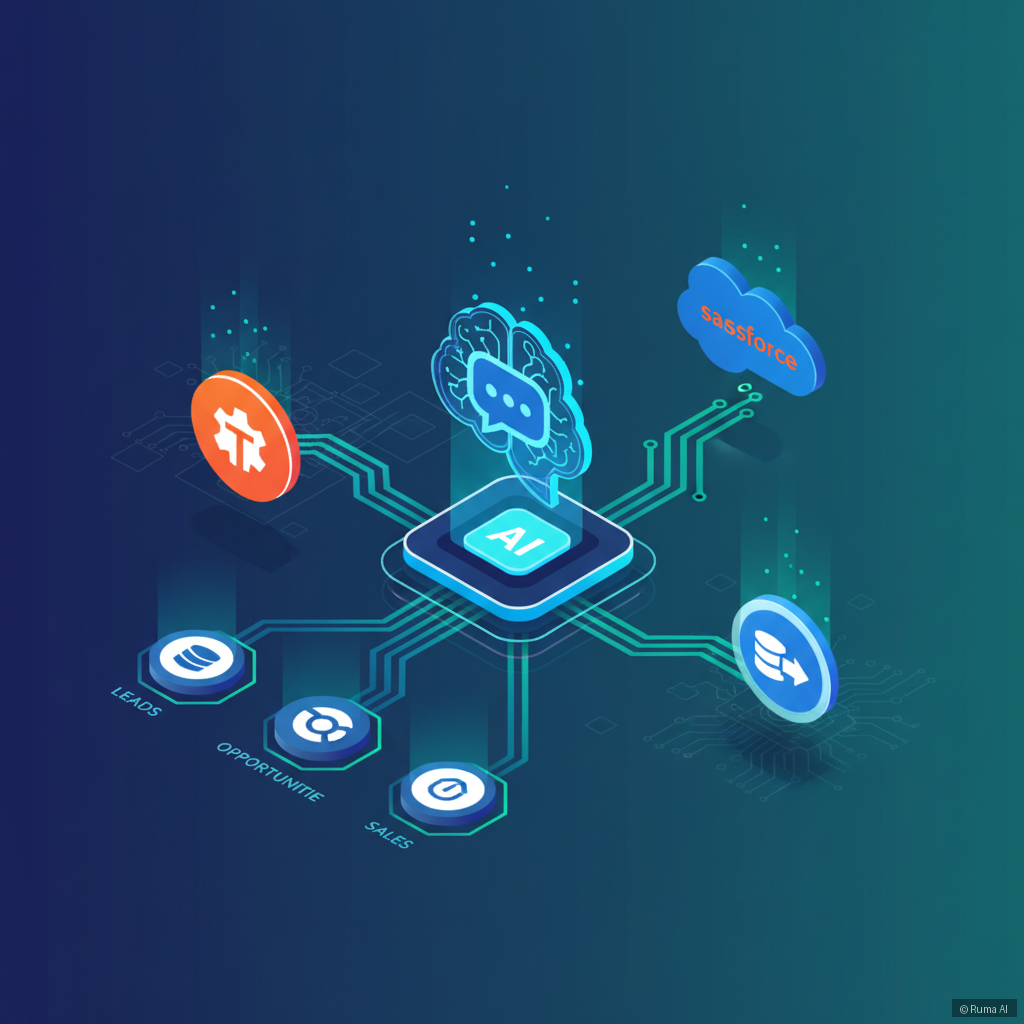
Ruma AI does exactly this. Its agentic AI platform includes built-in CRM sync with HubSpot, Salesforce, and Zoho as core functionality — not a paid add-on, not a webhook hack.How to Set Up CRM Sync Across Different Platforms
The beauty of Ruma AI is that it meets you wherever your business lives.
If You're Running WordPress or WooCommerce
The WordPress AI Plugin installs in one click and integrates deeply with WooCommerce — products, orders, coupons, cart recovery — while simultaneously syncing leads to your CRM. A customer asks about an order, the AI resolves it, and if they're a new contact, they're automatically saved to HubSpot or Salesforce with the conversation attached.
For WooCommerce store owners especially, this means every support interaction becomes a potential CRM entry, without adding any friction to your workflow.
If You're on Shopify
The Shopify AI Agent handles product sync, order tracking, and checkout upsells — but it also feeds your CRM pipeline. When a shopper asks about sizing, shipping, or a return and you capture their email in the process, that contact lands in your CRM automatically. Your sales team can follow up. Your email sequences can trigger. The loop closes.
If You Use a Custom Website
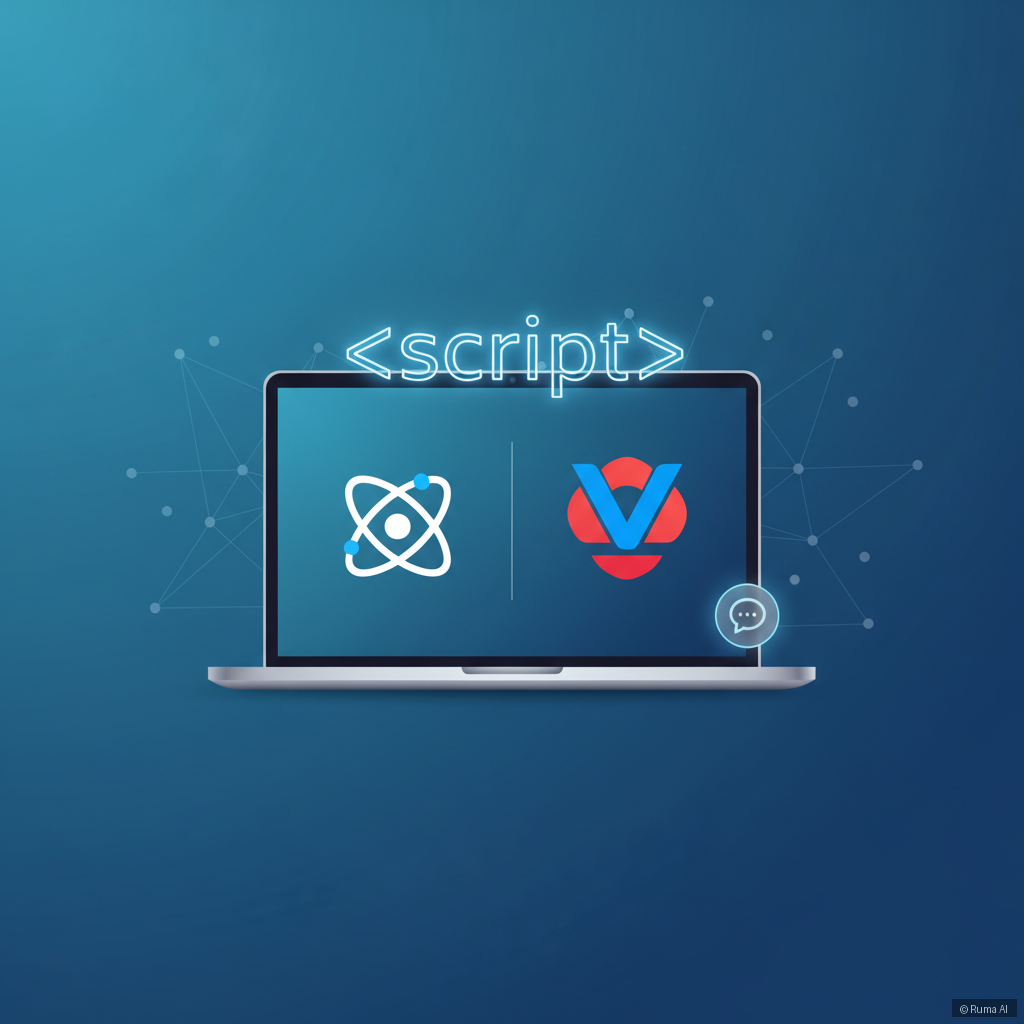
One line of code. That's all it takes with the Embed Script for any website. Whether you're running React, Next.js, Vue, or a fully custom build, you paste the script and the AI widget is live — CRM sync included. This is huge for agencies and SaaS companies that want enterprise-grade lead capture without rebuilding their tech stack.
If You Don't Have a Website Yet
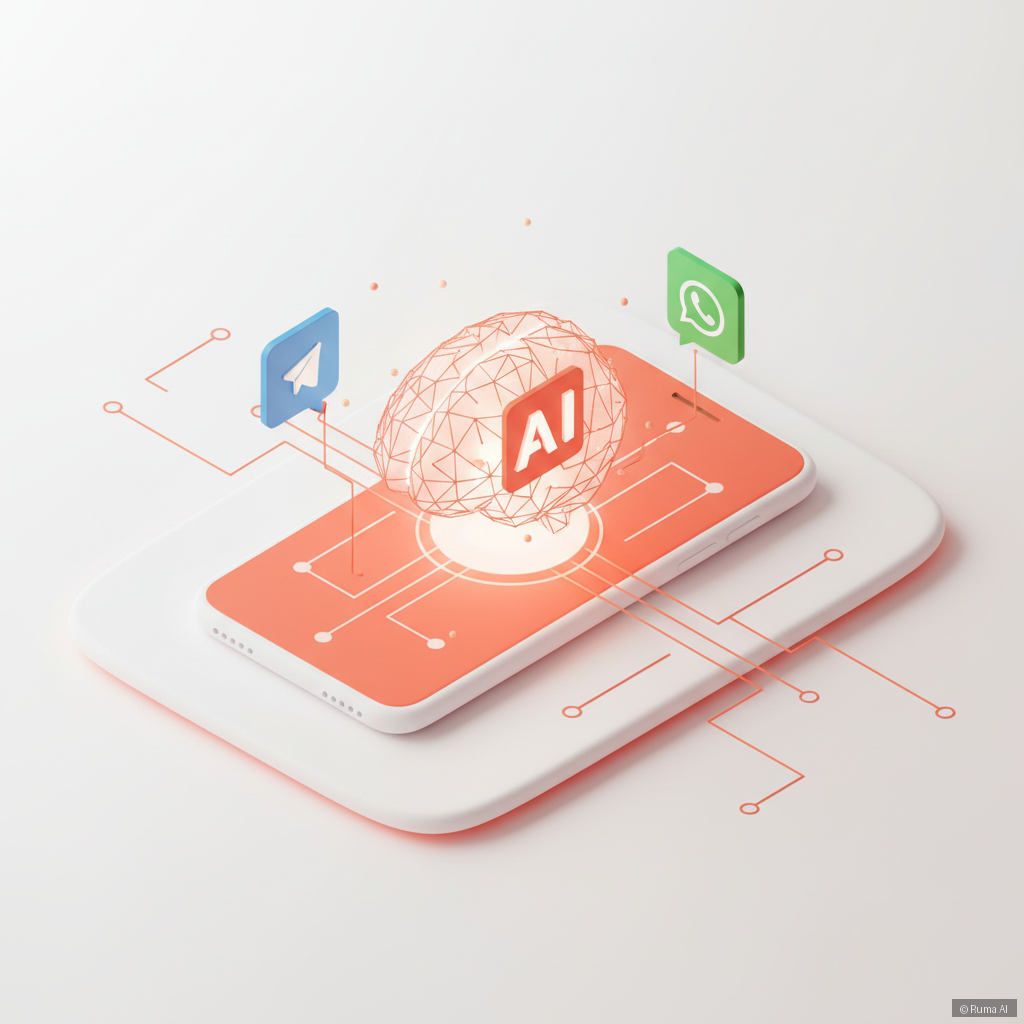
This one surprises people. The Standalone AI Agent lets you deploy to Telegram, WhatsApp, or voice channels — no website required. And yes, leads captured through WhatsApp Business or Telegram still sync to your CRM. A tradesperson taking bookings via WhatsApp can have every inquiry automatically logged in Zoho before they've even responded.

The Pipeline Automation Angle Nobody Talks About
Here's what makes CRM-synced AI chat genuinely powerful for pipeline automation: it's not just about capturing leads. It's about capturing context.
When the AI pushes a lead to HubSpot, it doesn't just send a name and email. It sends the full transcript. Your sales rep can see exactly what the customer asked, what problem they're trying to solve, what product they were looking at. That context transforms a cold outreach into a warm, informed conversation.
Combine that with live agent handoff — where the AI escalates complex conversations to a human via WebSocket — and you have a system where no lead slips through and every handoff is fully briefed.
For teams using Google Calendar or Calendly, the AI can also book meetings directly during the conversation. A lead gets captured and a discovery call gets booked in the same chat. Your CRM record shows up with a meeting already on the books.
Practical Advice: What to Configure First
If you're setting this up for the first time, here's a simple priority order:
- Connect your CRM first — HubSpot, Salesforce, or Zoho takes minutes to authenticate
- Define your lead capture triggers — when should the AI ask for contact info? After a product question? After a pricing inquiry?
- Set up transcript logging — make sure full conversation history is attached to each CRM record
- Enable meeting booking — let the AI close the loop by scheduling follow-ups automatically
- Test the handoff flow — make sure live agent transfers preserve the conversation context
Done right, this setup runs 24/7 across 50+ languages, capturing and qualifying leads while your team sleeps.
View pricing — plans start at $9/month, and the free tier gives you 100 messages/month to test everything before committing.FAQ
What CRM platforms does Ruma AI integrate with?
Ruma AI natively syncs with HubSpot, Salesforce, and Zoho. When a lead is captured during a chat conversation, the AI automatically pushes the contact record and full transcript to your connected CRM — no manual entry required.
Can the AI capture leads from WhatsApp and Telegram, not just a website chat widget?
Yes. The Standalone AI Agent deploys directly to WhatsApp Business and Telegram channels. Leads captured through those conversations sync to your CRM exactly the same way as website chat leads.
How is agentic AI different from a regular chatbot for lead capture?
A regular chatbot follows a fixed script and usually requires manual follow-up. Agentic AI autonomously decides to take action — like saving a lead, booking a meeting, or triggering a CRM entry — based on the context of the conversation. It acts, not just responds.
Ready to stop losing leads to manual processes? Start free with Ruma AI and connect your CRM in minutes. Your pipeline will thank you.