Sarah runs a boutique SaaS consulting firm. Last October, a prospect chatted with her website bot, asked smart questions about onboarding timelines, and then... disappeared. No follow-up, no record, no deal in HubSpot. The conversation just evaporated into a chat log nobody checked.
Sound familiar? You're not alone. This is the silent revenue leak that kills small business pipelines every single week.
The good news: CRM chatbot integration has matured dramatically in 2026. AI tools aren't just answering questions anymore — they're capturing intent, enriching contact records, and pushing qualified leads straight into HubSpot, Salesforce, or Zoho without anyone lifting a finger.
Why Your Chat Widget and CRM Are Probably Strangers
Most businesses run their chat tool and their CRM like two separate departments that never talk. A visitor asks about pricing, a support rep responds, and the transcript sits in a dashboard nobody revisits. The contact never makes it into Salesforce. The deal never gets created. The follow-up never happens.
This isn't a people problem. It's a tooling problem.
The fix isn't hiring a dedicated CRM admin. It's deploying an agentic AI that treats CRM sync as a core job function — not an afterthought.
What Agentic AI Actually Does Differently
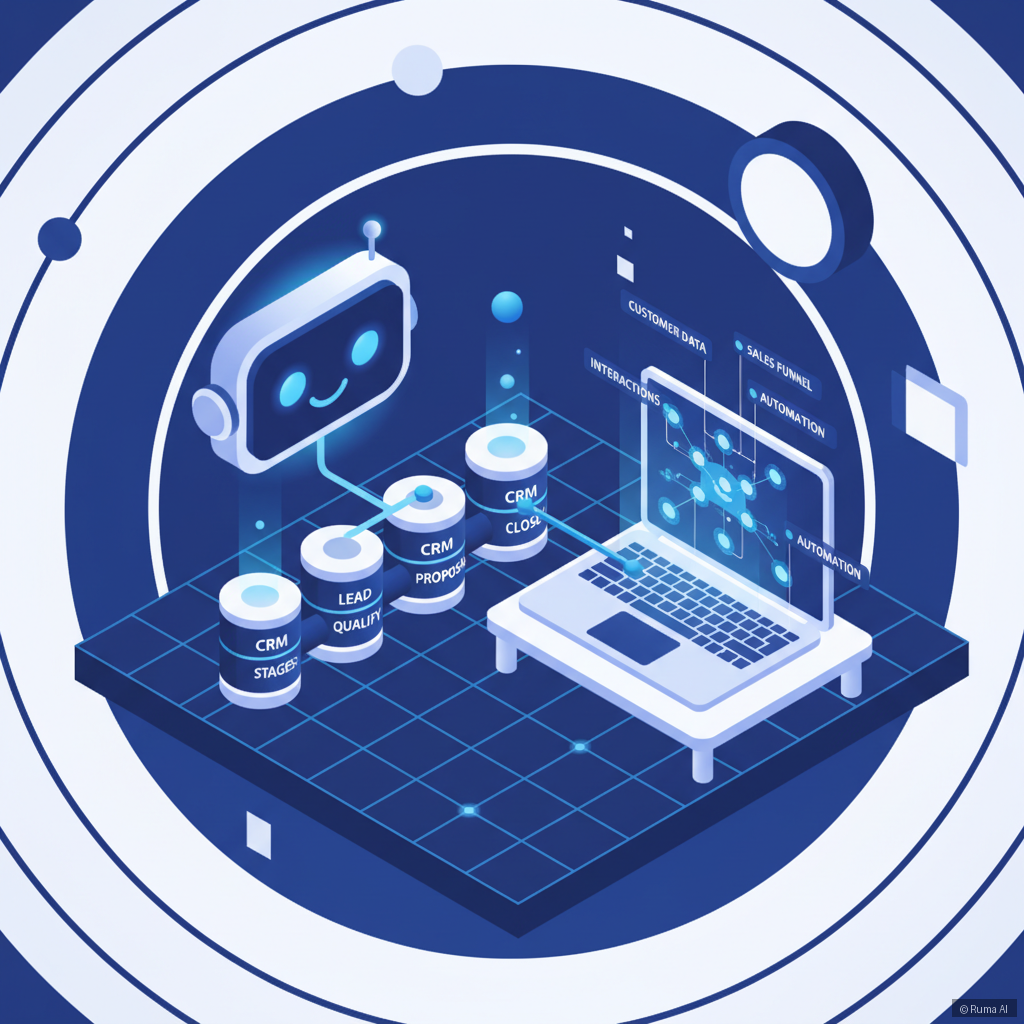
Here's the distinction that matters in 2026: agentic AI doesn't just respond — it decides and acts. When a visitor chats on your site, the AI autonomously:
- Identifies whether they're a lead, a customer, or just browsing
- Captures name, email, company, and stated intent from the conversation
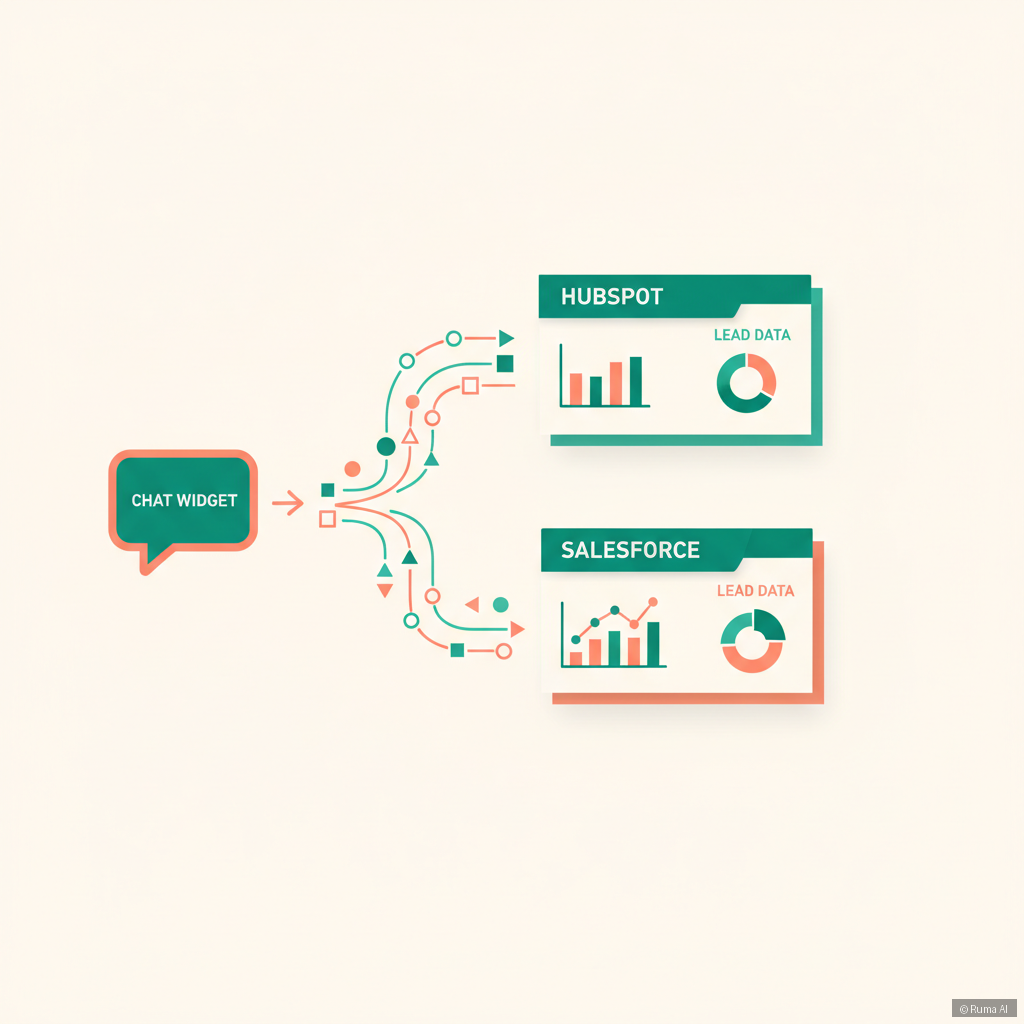
- Pushes a new contact or updates an existing one in HubSpot or Salesforce
- Logs the full transcript against that contact record
- Triggers deal creation if purchase intent is detected
- Books a follow-up call directly on your calendar via Google Calendar or Calendly
No manual data entry. No copy-pasting emails. No dropped leads.
Ruma AI does exactly this. Its built-in save leads tool and native CRM sync — supporting HubSpot, Salesforce, and Zoho — run automatically in the background while your AI agent handles the conversation up front.
How to Set This Up: A Practical Walkthrough
Depending on how your business is built, the setup path looks slightly different.
If You're on WordPress or WooCommerce
Install the WordPress AI Plugin — it's a one-click install with deep WooCommerce integration. Once connected to your CRM, every chat lead gets auto-logged. You can also trigger coupon delivery, product recommendations, and order lookups within the same conversation thread.
If You're Running a Shopify Store
The Shopify AI Agent syncs your product catalog, order data, and customer records. When a shopper asks about their order and then expresses interest in an upsell, the AI logs that intent directly into your pipeline. Fewer missed opportunities, especially during high-traffic periods.
If You're on a Custom Site (React, Next.js, Vue)
Drop in one line of code with the Embed Script for any website. Works on any stack, no heavy integration required. CRM sync kicks in the moment the AI collects a qualifying data point from the user.
If You Don't Have a Website Yet
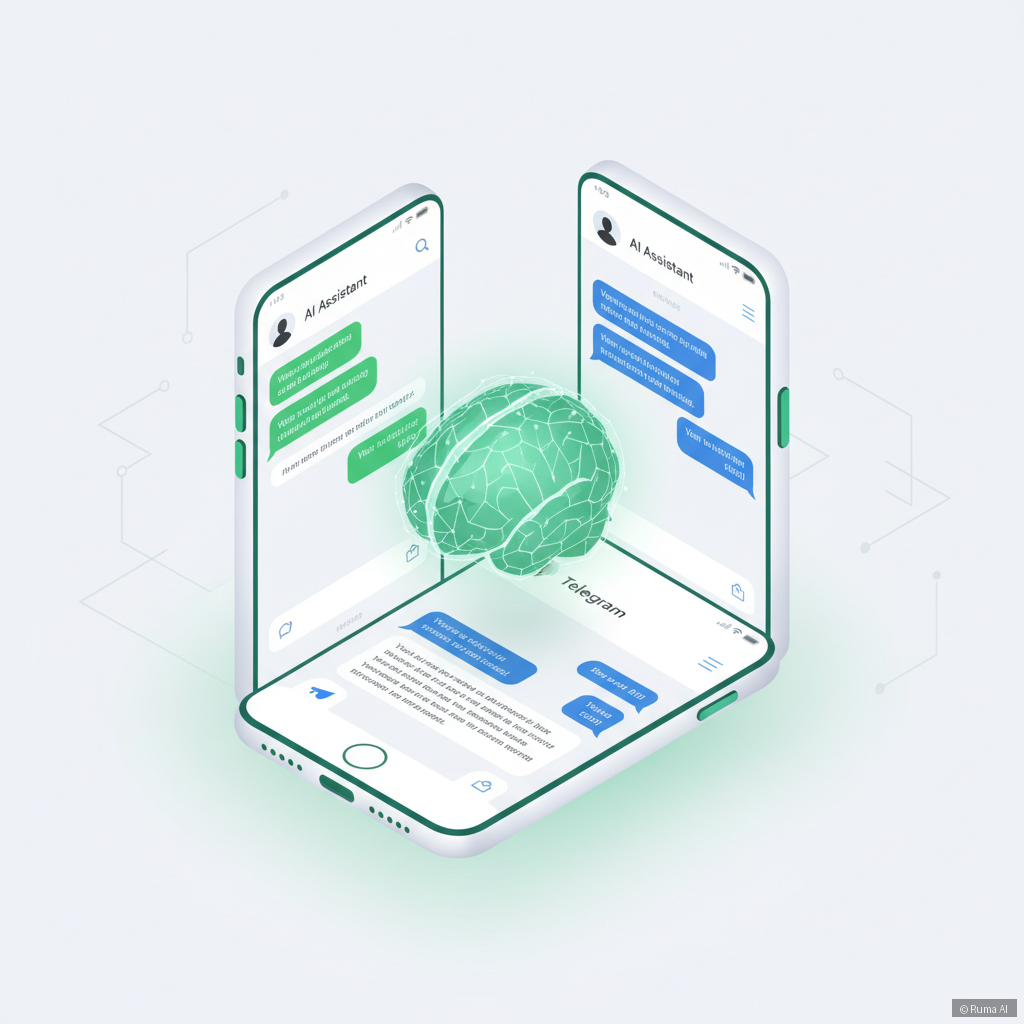
Deploy the Standalone AI Agent directly to WhatsApp or Telegram. The same CRM sync applies — leads captured via messaging channels flow into HubSpot or Salesforce just like web leads would.
The Lead Capture Moment: Don't Waste It
Here's where most businesses fumble: they wait too long to ask for contact info, or they ask awkwardly mid-conversation and the user bounces.
The best-performing setup we've seen:

What the Numbers Look Like
Businesses using agentic AI with CRM sync typically report:
- 40-60% reduction in lead drop-off between chat and CRM entry
- Faster follow-up times — because the sales team sees the lead in Salesforce within seconds, not hours
- Richer contact records — conversation context means sales reps know what the prospect actually cares about before they call
This isn't theory. It's what happens when you stop treating AI chat as a support tool and start treating it as a pipeline tool.
FAQ
What CRM systems does Ruma AI support for lead sync?
Ruma AI natively integrates with HubSpot, Salesforce, and Zoho CRM. When a lead is captured in chat, the AI automatically creates or updates the contact record and logs the full conversation transcript — no manual export needed.
Can the AI qualify leads before pushing them to the CRM?
Yes. Because Ruma AI is an agentic AI platform, it can ask qualifying questions, assess intent based on the conversation, and only push contacts that meet your defined criteria. This keeps your pipeline clean and reduces noise for your sales team.
Does CRM sync work across all Ruma AI products?
Absolutely. Whether you're using the WordPress plugin, the Shopify agent, the embed script, or the standalone WhatsApp/Telegram deployment, CRM sync is available across all products. The AI agent behavior — including lead capture and CRM push — is consistent regardless of the channel.
If your chat widget isn't feeding your CRM, you're running a support tool, not a growth tool. That's a fixable problem.
Ruma AI starts free (100 messages/month), and paid plans begin at just $9/month. If you're ready to stop losing leads in chat logs and start building a real pipeline, start free today — or view pricing to find the right plan for your team.