
You've spent months building your site. The stack is clean — Next.js on the frontend, a custom API layer, maybe a headless CMS behind it. The last thing you want is to bolt on some clunky support widget that breaks your layout, slows your load time, or requires a PhD in JavaScript to integrate.
Yet your customers have questions. Real ones. "Does this come in a larger size?" "Where's my order?" "Can I apply a discount code before I check out?" And right now, those questions either go unanswered until Monday morning or land in an inbox that takes 48 hours to respond.
This is exactly the problem that embed chatbot technology was built to solve — and in 2026, the best implementations don't just answer questions. They take action.

What "Agentic AI" Actually Means for Your Website
The industry has been buzzing about agentic AI for good reason. Unlike a traditional chatbot that matches keywords to canned responses, an agentic AI decides what to do next. It reads the context of a conversation, selects the right tool from its arsenal, and executes — without waiting for a human to approve every step.
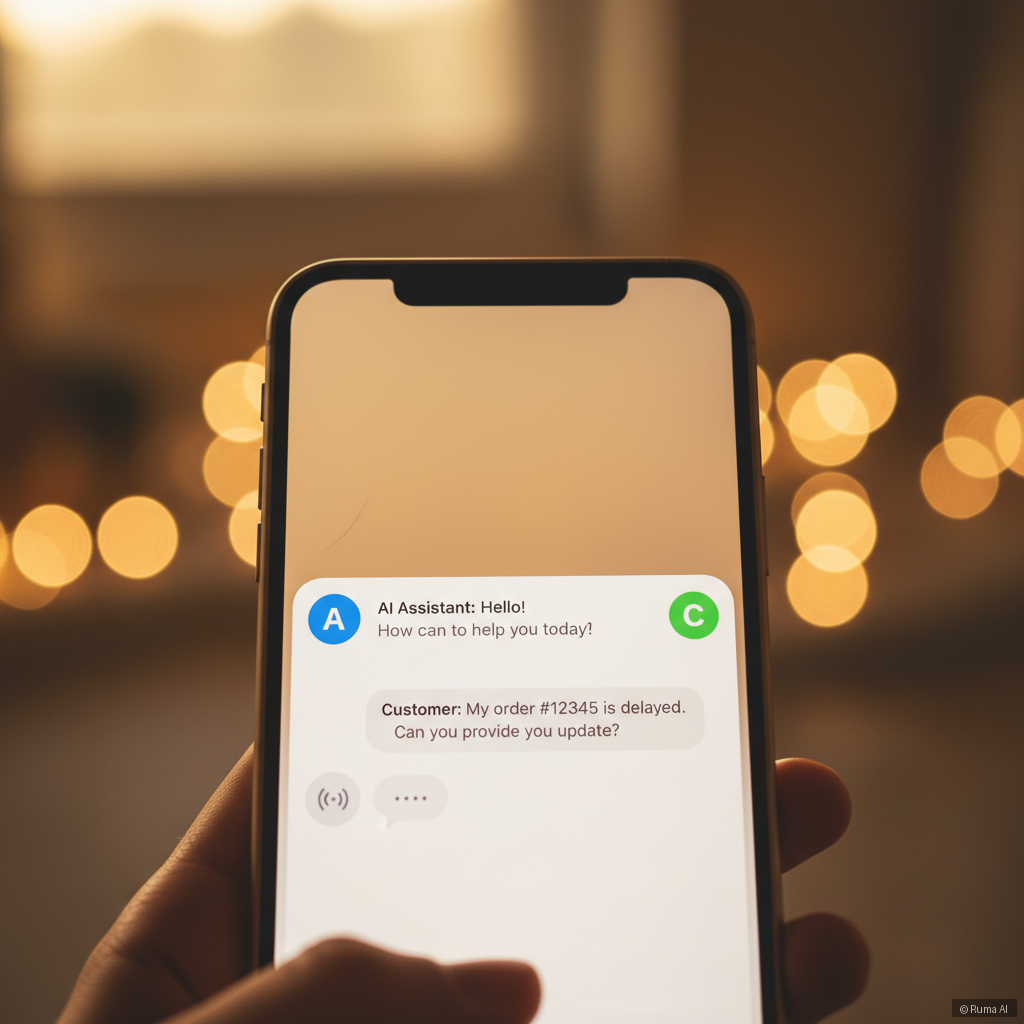
For an e-commerce business, that distinction is massive. A regular chatbot tells a customer "your order is being processed." An agentic AI looks up the order, sees it's delayed, applies a courtesy coupon, and offers to book a callback — all inside a single conversation.
That's not the future. That's available today. And you can drop it into any website with a single line of embed code.
One Line of Code, Infinite Flexibility
The Embed Script for any website from Ruma AI is designed specifically for developers and business owners who run custom stacks. Whether you're on React, Next.js, Vue, Svelte, or a fully bespoke platform built from scratch — if it renders HTML, you can add Ruma AI.
The install is genuinely that simple. Paste one script tag, configure your agent in the dashboard, and you're live. No npm package conflicts. No framework-specific wrappers. No rebuilding your component tree around someone else's SDK.
What you do get is a fully autonomous AI agent with access to 13 built-in tools: product search, order tracking, coupon application, cart management, meeting booking, OTP verification, voice calling, human handoff, lead capture, email, and more. Your customers interact with a chat widget. Behind the scenes, an intelligent agent is routing, deciding, and acting.
Why This Matters More for Custom Sites Than Platforms
If you're running WooCommerce, there's a dedicated WordPress AI Plugin that deep-integrates with your product catalog, orders, and coupons. If you're on Shopify, the Shopify AI Agent syncs natively with your store data and supports checkout upsells.
But a huge portion of e-commerce — especially in the mid-market — runs on custom infrastructure. Headless storefronts. Next.js apps pulling from a proprietary backend. React SPAs connected to a bespoke inventory system. For these businesses, a platform-specific plugin is useless. The embed script is the answer.

What the AI Can Actually Do on Your Custom Site
Let's get concrete. Say you run a custom-built furniture e-commerce site on Next.js. A visitor lands on a product page at 11pm. They have three questions: whether the sofa comes in a darker fabric, when it would ship to Melbourne, and whether there's a promo code available.
With a standard live chat widget, that conversation sits unread until morning. With Ruma AI embedded, the agentic AI searches your product catalog for fabric variants, checks your shipping logic via API, applies an eligible coupon, and — if the customer still isn't sure — offers to book a call with your sales team via Google Calendar or Calendly. All autonomously. All without waking anyone up.
The agent also captures the lead and pushes it directly to your CRM — HubSpot, Salesforce, or Zoho — with the full conversation transcript attached. By the time your team arrives Tuesday morning, that lead is already in the pipeline, warm and documented.
Multilingual, Multi-Channel, One Setup
One underrated advantage of the embed approach: your AI doesn't have to live only on your website. The same agent configuration that powers your embedded widget can also run as a WhatsApp Business chatbot, a Telegram bot, or even an AI voice channel where customers call and the AI answers with full context. The Standalone AI Agent option handles exactly this — no website required at all.
For businesses serving customers across the US, UK, and Australia simultaneously, the 50+ language support means you're not running separate agents for each market. One configuration, one dashboard, global coverage.
Getting Started Without Overthinking It
Ruma AI's free plan includes 100 messages per month — enough to validate whether the agent actually fits your workflow before you spend a cent. Paid plans start at just $9/month, with the Pro and Ultra tiers unlocking higher volumes, priority handoff, and advanced CRM features. Six-month plans save 15% if you're ready to commit.
The setup process for the embed script takes under ten minutes for a developer who knows their codebase. Configure your agent's persona, connect your data sources, customize the widget colors and avatar to match your brand, and paste the script. That's the entire implementation.
The Bigger Picture: Agentic AI Is the New Standard
The e-commerce businesses that will win the next few years aren't the ones with the biggest support teams. They're the ones that deploy agentic AI intelligently — letting autonomous agents handle the high-volume, repeatable interactions so human agents can focus on complex, high-value conversations.
The embed script is the most flexible entry point into that world. It meets your tech stack where it already is. It doesn't ask you to migrate, rebuild, or compromise.
If you're running a custom site and you're still handling support manually — or worse, not handling it at all after hours — this is the most practical thing you can do this week.
Start free with Ruma AI and have your AI agent live before the day is out.Frequently Asked Questions
Does the Ruma AI embed script work with React and Next.js specifically?
Yes. The embed script is framework-agnostic — it's a standard JavaScript snippet that works wherever HTML is rendered. React, Next.js, Vue, Angular, Svelte, or a fully custom stack all work without modification. You don't need to install an npm package or change your component architecture.
Can the embedded AI agent connect to my custom backend or database?
Ruma AI's agentic tools can be configured to call your APIs for product data, order information, and more. For deeper integrations, CRM sync with HubSpot, Salesforce, and Zoho is built in, and the agent can push lead data and full conversation transcripts automatically.
What happens when the AI can't resolve a customer's issue?
The agent includes a built-in live agent handoff tool. When the AI determines a conversation needs human attention — or when a customer requests it — the chat transfers to a live agent via WebSocket in real time, with full conversation history preserved so the human doesn't start from scratch.